Heart pendant · Product Ad
Heart pendant · Product Ad. Critical check: attachment-loop continuity. Includes a customizable prompt, production steps and a downloadable brief.
Make it your product.
Replace the example details. Your prompt updates as you type.
Describe the actual product, not a marketing claim.
List visible materials and finishes.
Include the shape, color, and details to preserve.
Describe the surface, background, and lighting context.
Choose a composition for your project.
Your product details stay in this tab. No upload or AI generation takes place here.
Your product prompt
Editable details · EnglishProduct name: Heart pendant Materials: brushed and polished silver-toned metal Color & details: pendant outline, attachment loop, connecting links and polished edges Background & scene: a warm gray display surface beside one folded ivory fabric strip Aspect ratio: 9:16 Plan a 15-second product advertisement as four independently produced shots: 0–3 seconds, a still construction detail; 3–7 seconds, one slow lateral camera slide revealing the complete silhouette; 7–12 seconds, a fixed medium view highlighting the chosen detail; 12–15 seconds, a still complete-product frame with space for a closing line added in editing. Keep the product, set and lighting consistent. Do not generate embedded branding or unverified performance claims. Critical check: attachment-loop continuity.
The 15-second storyboard
Produce each shot separately, then edit.- Shot 100:00–00:03
Heart pendant · pendant outline, attachment loop, connecting links and polished edges. Critical check: attachment-loop continuity.
CameraLocked camera; steady framing.
Voiceover“A closer look.”
What you needPrepare a clear reference of Heart pendant, showing pendant outline, attachment loop, connecting links and polished edges. Use it in your chosen external tool.
- Shot 200:03–00:07
Heart pendant · a warm gray display surface beside one folded ivory fabric strip.
CameraOne slow lateral slide; product stationary.
Voiceover“See the whole design.”
What you needPrepare one master reference and matching detail, full-view and closing frames. Confirm the closing copy before producing clips.
- Shot 300:07–00:12
brushed and polished silver-toned metal · pendant outline, attachment loop, connecting links and polished edges. Critical check: attachment-loop continuity.
CameraLocked camera; steady framing.
Voiceover“Notice this detail.”
What you needCompare proportions, color and repeated details across cuts. Time the final voiceover aloud; shorten it if it exceeds the allocated interval.
- Shot 400:12–00:15
Heart pendant · a warm gray display surface beside one folded ivory fabric strip · 9:16.
CameraLocked camera; steady framing.
Voiceover“Explore the product.”
What you needKeep the original product reference and add approved branding only after the visual structure is correct.
Make the shot
- 1
Before you start
Prepare one master reference and matching detail, full-view and closing frames. Confirm the closing copy before producing clips.
- 2
Make the shot
Produce each shot separately, use only the specified camera movement and trim to the four time intervals. Record a short voiceover and check every cut.
- 3
Critical check
Preserve the reference construction: pendant outline, attachment loop, connecting links and polished edges. Critical check: attachment-loop continuity.
- 4
Check before using
Compare proportions, color and repeated details across cuts. Time the final voiceover aloud; shorten it if it exceeds the allocated interval.
Check before using
- Preserve the reference construction: pendant outline, attachment loop, connecting links and polished edges.
- Keep the visible material plausible: brushed and polished silver-toned metal.
- Critical check: attachment-loop continuity.
- No invented specifications, labels, measured results or additional components.
Template updated
Common adjustments
The construction differs from the reference
Simplify the angle, keep the reference visible and repeat these constraints near the start: pendant outline, attachment loop, connecting links and polished edges. Recheck attachment-loop continuity.
The material looks artificial
Return to the actual material reference: brushed and polished silver-toned metal. Reduce exaggerated shine, blur and decorative effects before adding detail.
The framing or identity drifts
Reuse the same reference, remove competing movements and produce one simpler image or shot at a time. Compare each result before assembling the final work.
Planning another product video?
Choose a format and use the separate script generator to draft a 15-second plan.
More product stories to explore
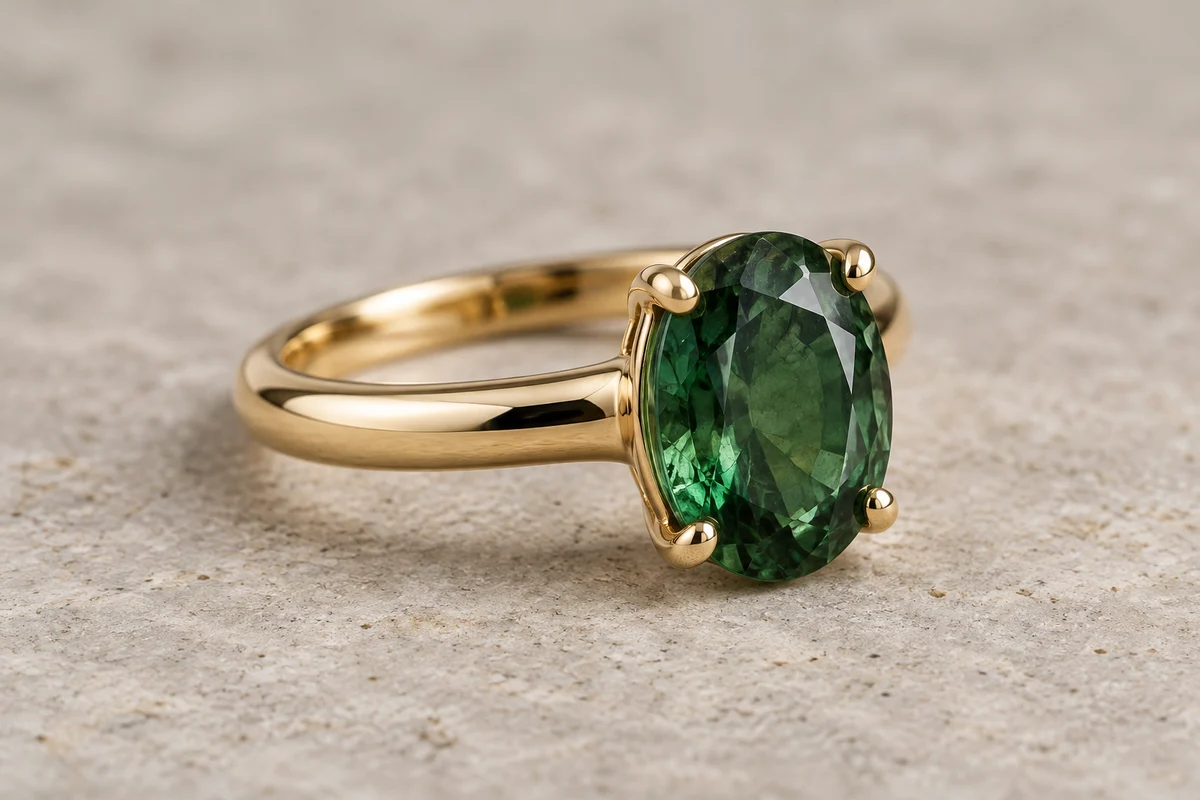
Ring Detail Photo
Show the setting, band, and surface finish of a ring with a close composition and carefully placed reflections.
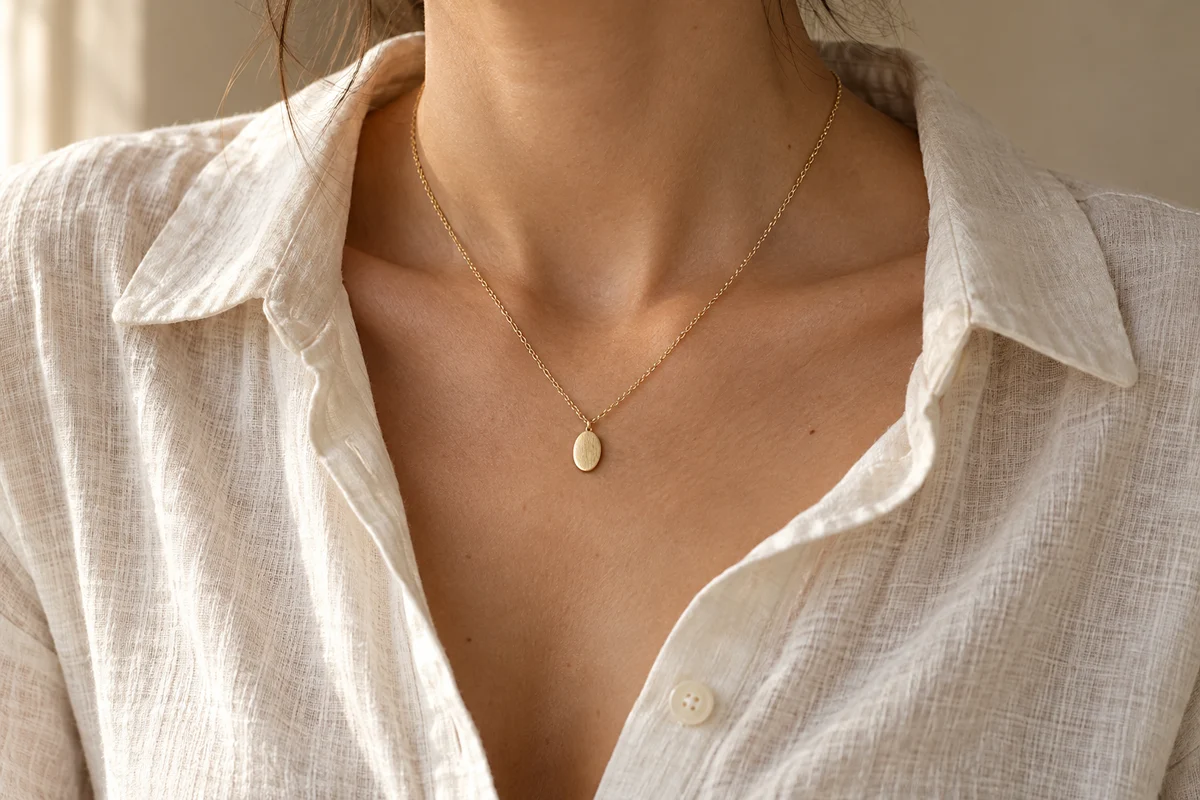
Necklace Lifestyle Photo
Create a wearable jewelry scene with an honest sense of pendant scale, chain structure, and fabric texture.
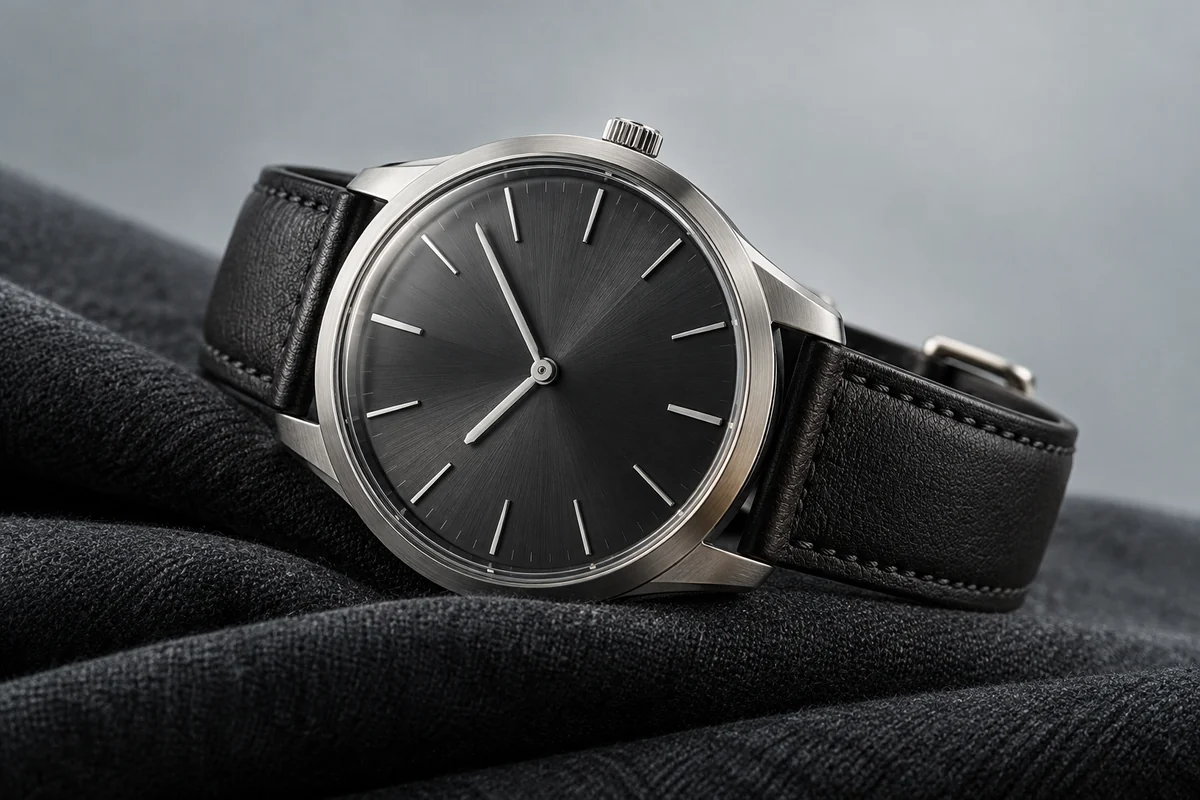
Watch Product Ad Storyboard
A restrained 15-second watch showcase that keeps the dial, strap, and case construction consistent.