Windbreaker jacket · Model outfit change
Windbreaker jacket · Model outfit change. Critical check: hood volume and neckline connection. Includes a customizable prompt, production steps and a downloadable brief.
Make it your product.
Replace the example details. Your prompt updates as you type.
Describe the actual product, not a marketing claim.
List visible materials and finishes.
Include the shape, color, and details to preserve.
Describe the surface, background, and lighting context.
Choose a composition for your project.
Name image 1 in your external editor. The original adult model, face, body, pose and background stay unchanged.
Name image 2 in your external editor and identify exactly which garment it replaces. This site does not upload images.
Your product details stay in this tab. No upload or AI generation takes place here.
Your product prompt
Editable details · EnglishProduct name: Windbreaker jacket Materials: lightweight matte woven nylon Color & details: attached hood, shoulder seams, paired sleeves and lower hem Background & scene: Keep the original scene, framing and lighting from image 1 Aspect ratio: 4:5 Edit the existing adult model photo using two references. Model reference: Image 1: existing adult model photo, unchanged identity and pose. Garment reference: Image 2: clear reference of the target garment · Windbreaker jacket. Replace only the specified garment with the garment from reference 2. Preserve the original face, identity, expression, hairstyle, body shape, skin tone, pose, hands, camera framing, background and lighting from reference 1. Reconstruct the garment faithfully: neckline, sleeves, seams, closures, print placement, color, fabric and hem length must match its reference. Fit the fabric naturally over the unchanged body, with plausible folds, contact shadows and occlusion by hands or accessories. Keep all non-target clothing unchanged. Do not reshape the body, beautify the face, change the pose, invent logos or add garments. Preserve the original framing; make any requested aspect-ratio adjustment as a separate crop after checking the edit. Critical check: hood volume and neckline connection.
Make the shot
- 1
Before you start
In your external image editor, provide image 1 as the existing adult model and image 2 as the target garment. Identify exactly which garment is being replaced and keep an untouched copy of the model photo.
- 2
Make the shot
Mask only the target garment area if the editor supports it. Request a clothing-only edit and compare neckline, closures, sleeve ends and hem with image 2 before accepting the fit.
- 3
Critical check
Preserve the reference construction: attached hood, shoulder seams, paired sleeves and lower hem. Critical check: hood volume and neckline connection.
- 4
Check before using
Compare the face, body outline, pose, hands and background against image 1, and construction against image 2. Reject identity drift or body reshaping; check fabric behind overlapping hands and hair.
Check before using
- Preserve the reference construction: attached hood, shoulder seams, paired sleeves and lower hem.
- Keep the visible material plausible: lightweight matte woven nylon.
- Face, body shape, pose, hands, background and non-target clothing match image 1.
- No invented specifications, labels, measured results or additional components.
Template updated
Common adjustments
The construction differs from the reference
Simplify the angle, keep the reference visible and repeat these constraints near the start: attached hood, shoulder seams, paired sleeves and lower hem. Recheck hood volume and neckline connection.
The material looks artificial
Return to the actual material reference: lightweight matte woven nylon. Reduce exaggerated shine, blur and decorative effects before adding detail.
The framing or identity drifts
Face, body shape, pose, hands, background and non-target clothing match image 1. Mask only the target garment area if the editor supports it. Request a clothing-only edit and compare neckline, closures, sleeve ends and hem with image 2 before accepting the fit.
Planning another product video?
Choose a format and use the separate script generator to draft a 15-second plan.
More product stories to explore
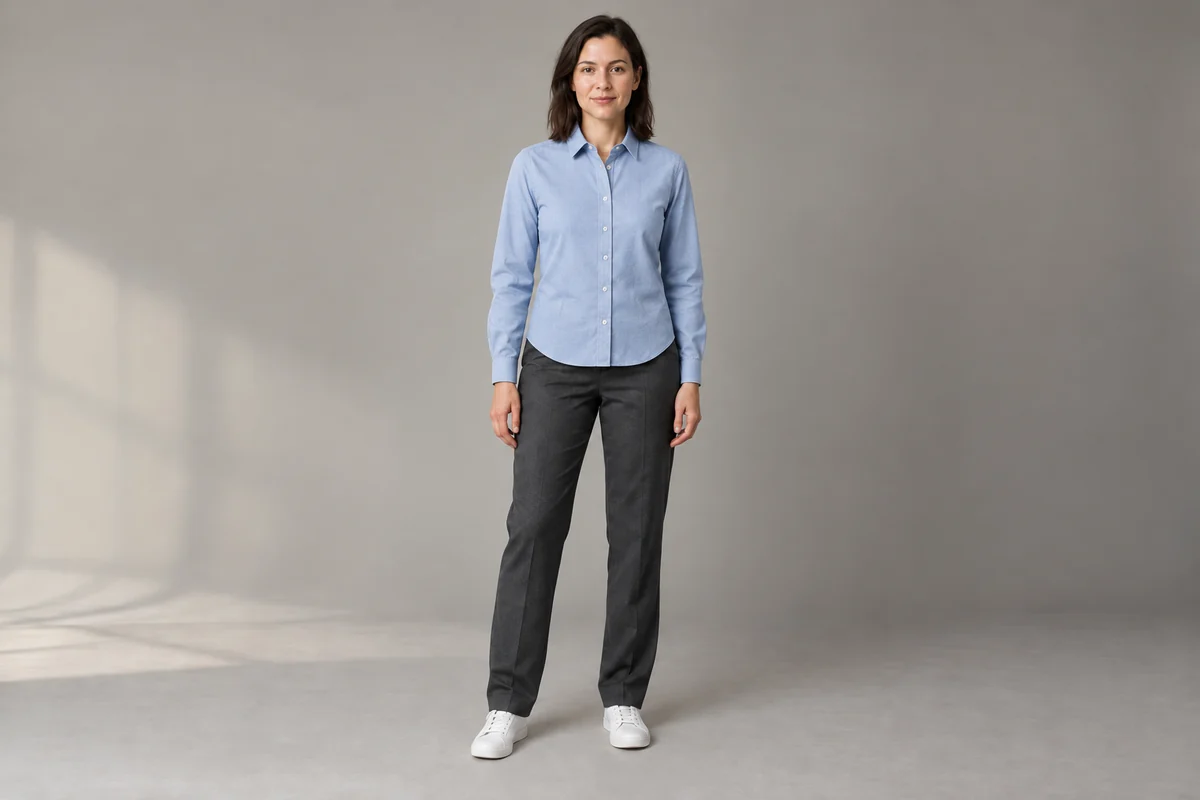
Cotton shirt · Model outfit change
Cotton shirt · Model outfit change. Critical check: collar shape and button count. Includes a customizable prompt, production steps and a downloadable brief.
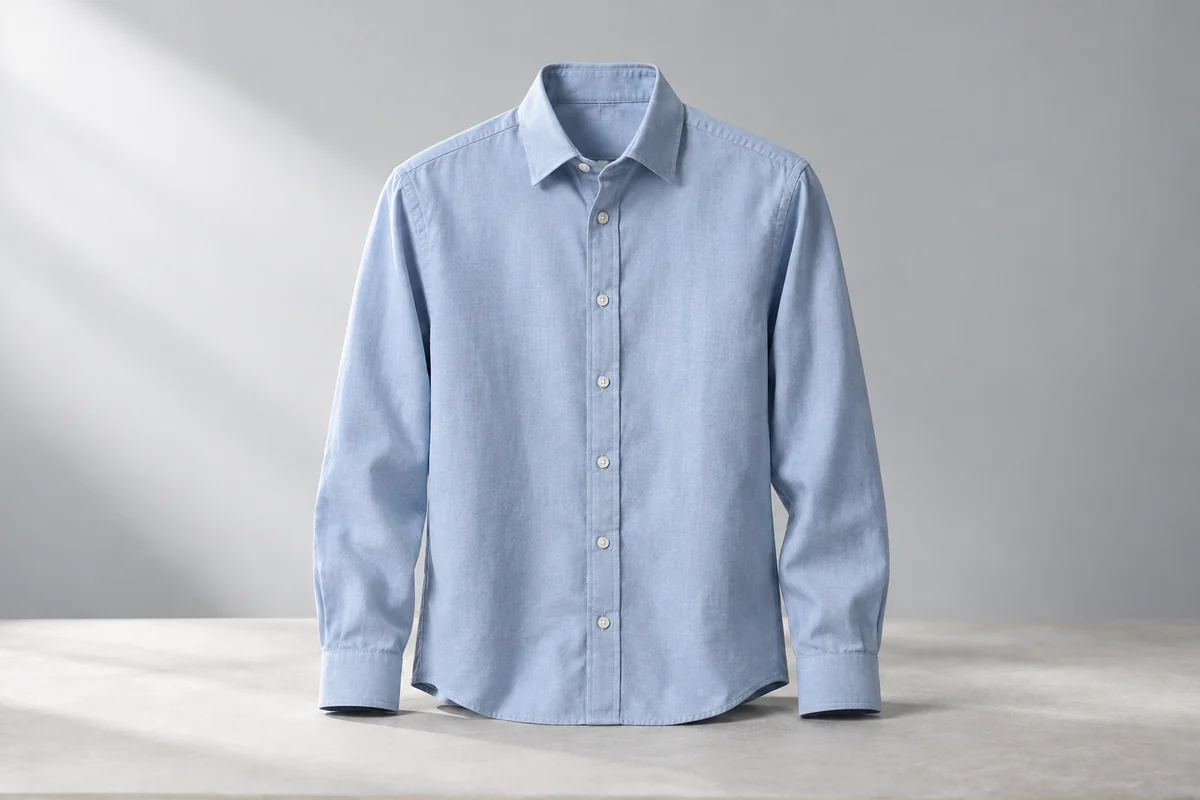
Cotton shirt · Hero Image
Cotton shirt · Hero Image. Critical check: collar shape and button count. Includes a customizable prompt, production steps and a downloadable brief.
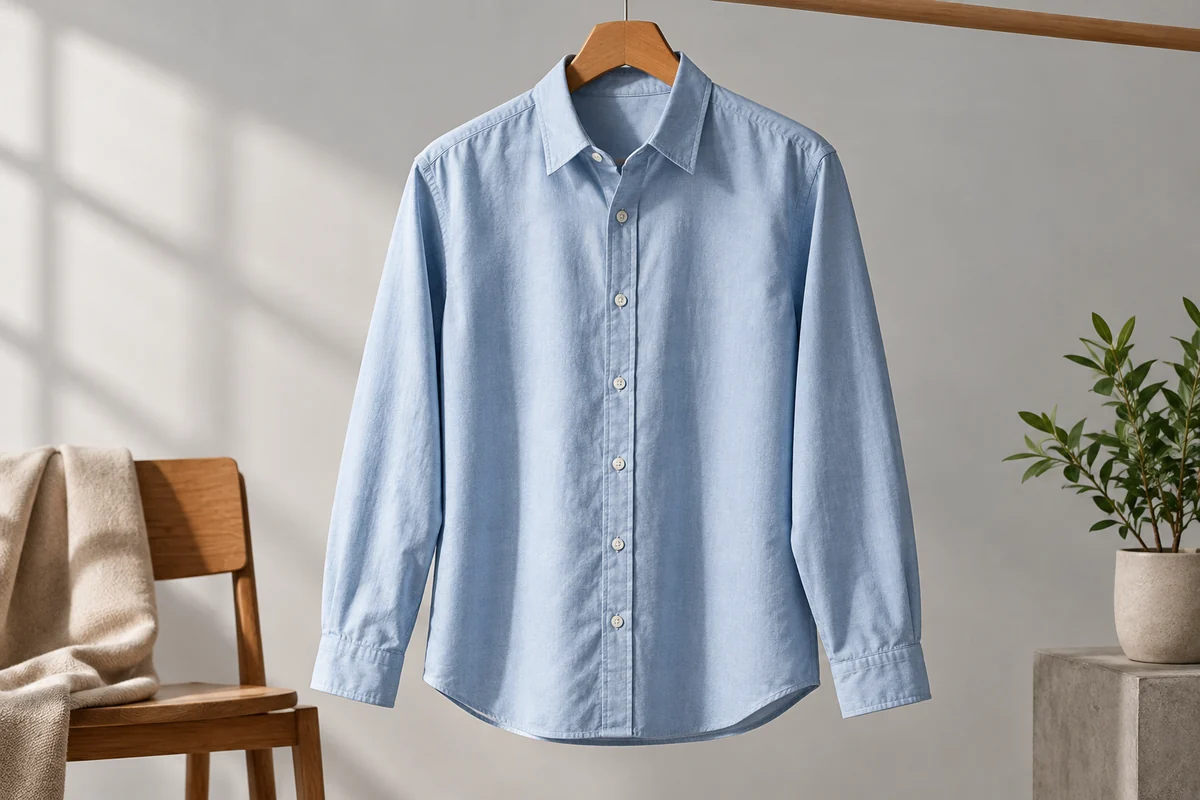
Cotton shirt · Lifestyle Image
Cotton shirt · Lifestyle Image. Critical check: collar shape and button count. Includes a customizable prompt, production steps and a downloadable brief.